Print your own cards,
front and back.

Suri lays your card art out on Letter or A4 paper and builds a print-ready PDF. The backs line up with the fronts, so every card comes out right when you cut the sheet.

Open Suri

Free · Runs in your browser · Nothing to install

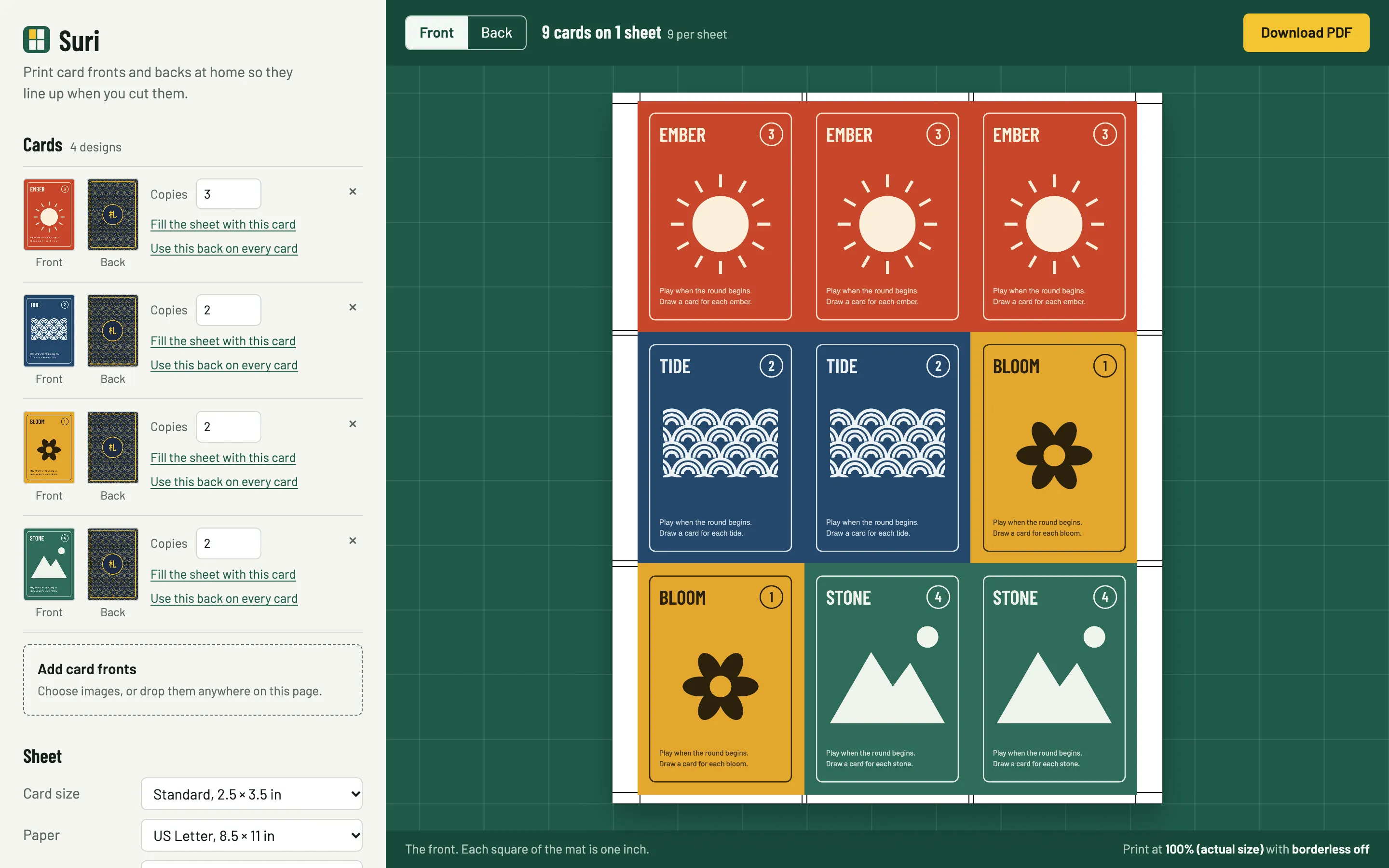
Suri with four card designs in the sidebar and a sheet of nine cards laid out on a green cutting mat, with cut marks around them and a Download PDF button

01

Add your art

Drop in your card fronts and a back. Set how many copies of each you want, and Suri fills the sheets.

02

Line up the back

Tell it how you flip the paper. A one-time alignment test corrects for how your printer feeds the sheet.

03

Print and cut

Download the PDF, print the front, flip the sheet and print the back. Cut along the marks.

Front and back

See the back before you print it.

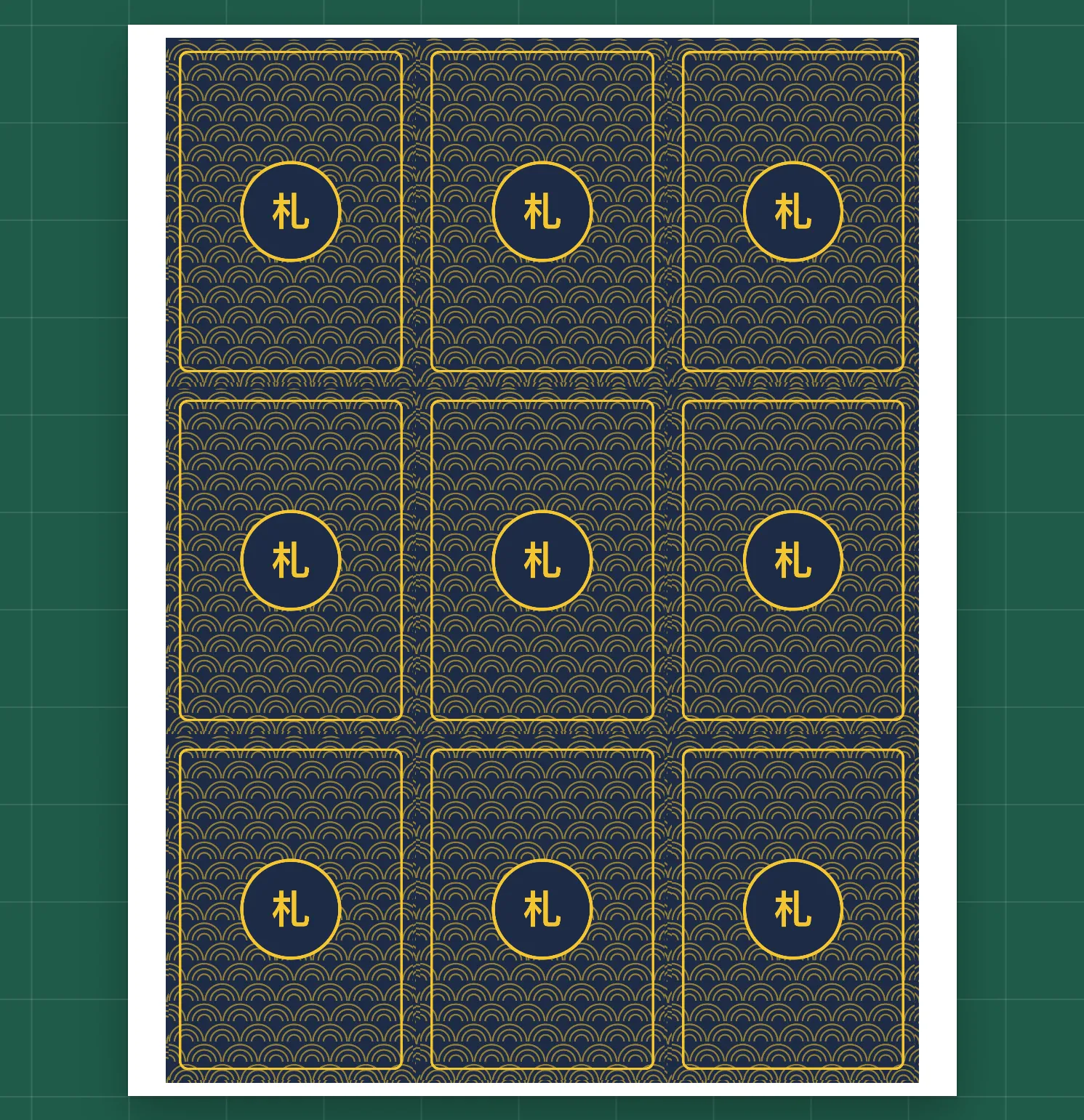
Turn the sheet over in the preview and it flips the way the paper will, like a book page or top over bottom. Each back lands behind its own front.
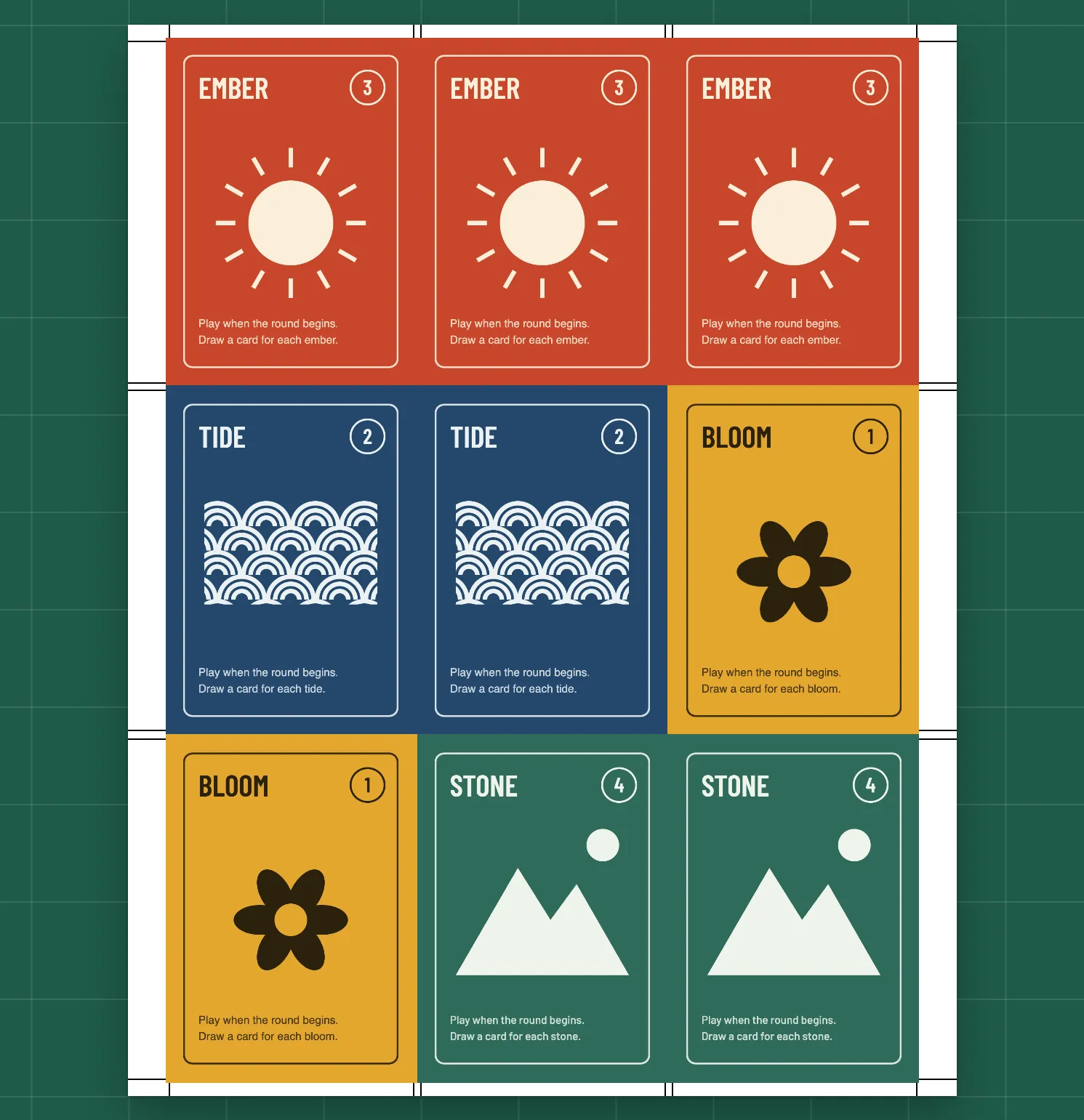
The front of a sheet: nine cards in three rows, with cut marks at the edges
Front
The back of the same sheet: nine matching card backs in the same grid
Back, after flipping the sheet

Dial in your printer

Two numbers, and the backs line up.

Home printers rarely put the second side in exactly the same place. Suri's alignment test shows you how far off yours is, with no ruler needed.
  1. Print the two-page test on both sides of one sheet.
  2. Hold it up to a light. A cross from the back shows through onto two scales on the front.
  3. Type in the numbers where the cross lands. That's it, until you change printers.
Nudge 1.5 right, −0.5 up
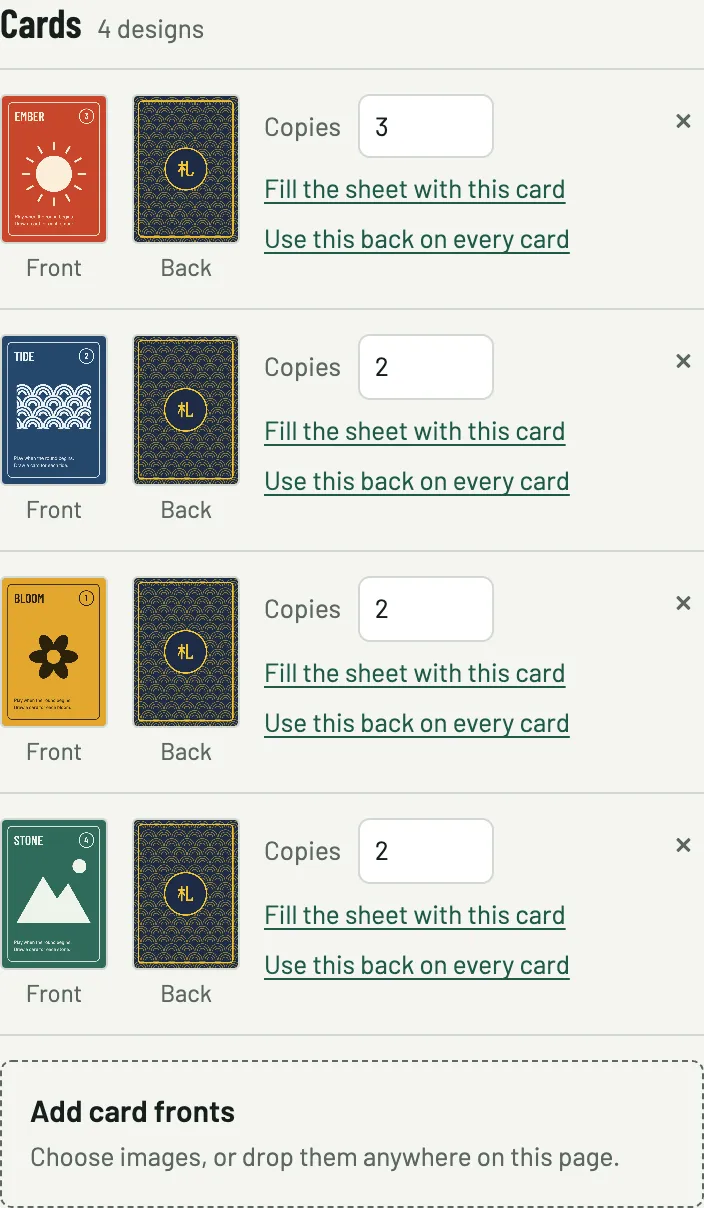
The card list: four designs, each with its front, its back and a number of copies, plus links to fill the sheet and use one back on every card

One card or a whole deck

Made for printing at home.

  • Any card size. Standard poker, bridge, Japanese small, tarot, or your own measurements.
  • Letter or A4. Nine standard cards to a sheet, centred inside the area your printer can reach.
  • Room for a wobbly cut. Leave a gap between cards and the art runs past each cut line, so a cut that lands slightly off never shows white.
  • Cut marks on the front, the back, or both.
  • Copies and backs. Fill the rest of a sheet with one card, or put the same back on every card in one click.
  • Private. The PDF is built in your browser. Your images are never uploaded.

Your cards, on your printer, tonight.

Open Suri, drop in your art, and download the PDF. No account, no watermark.

Open Suri